


-

-

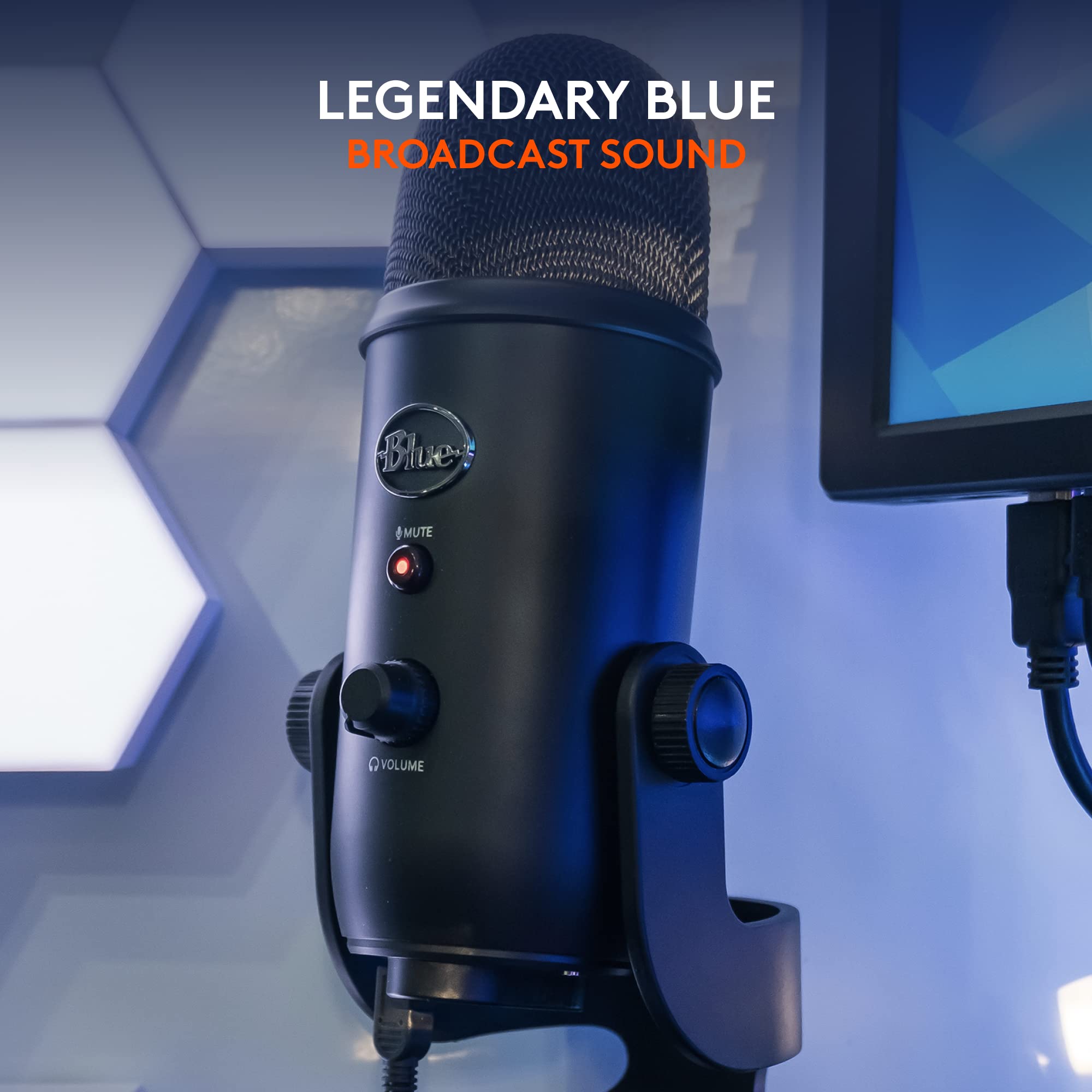
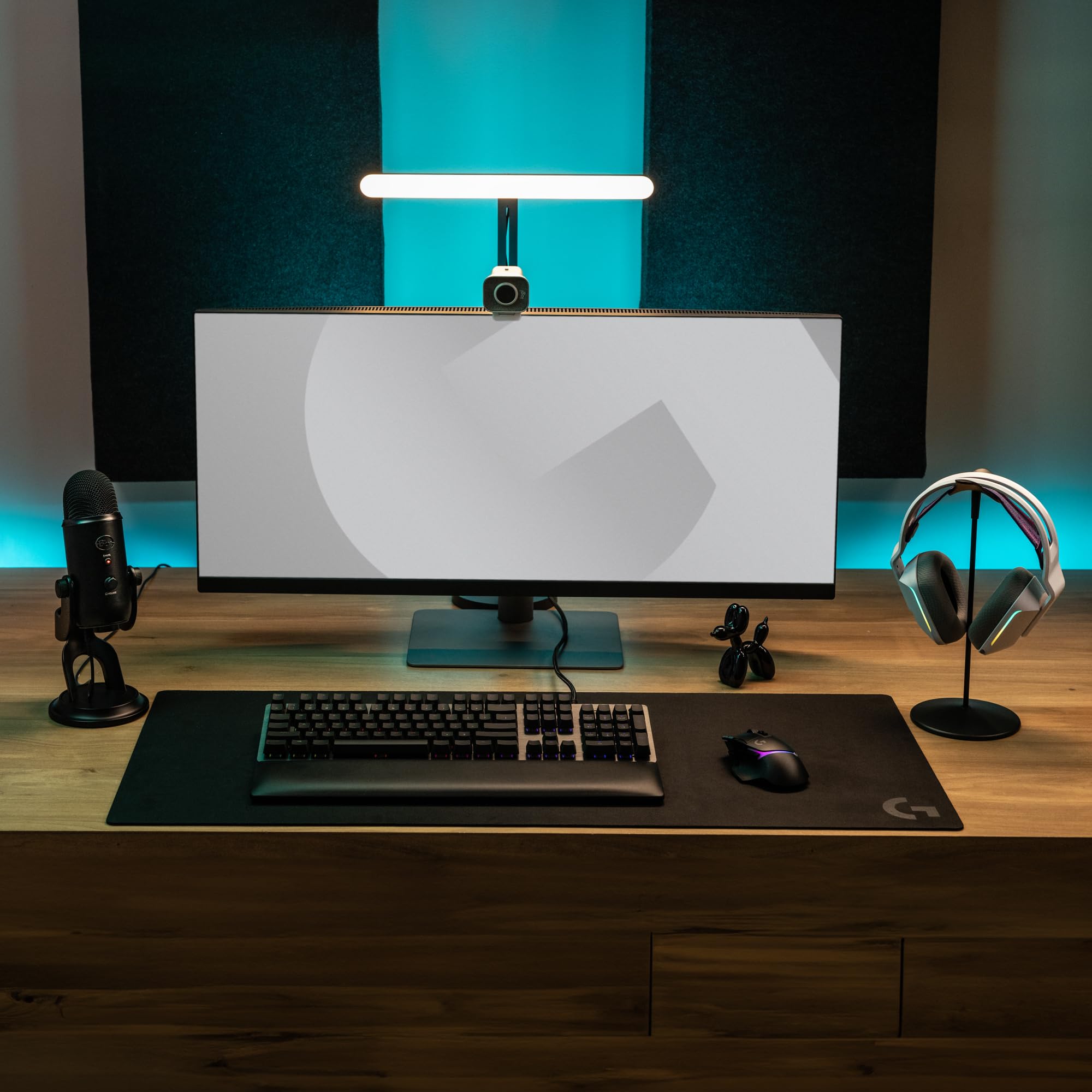
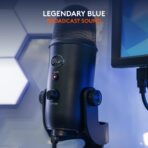
Blue’s Legendary Broadcast-Quality Sound
Makes the professional difference for recording, streaming and building your audience.
-

-

-

-

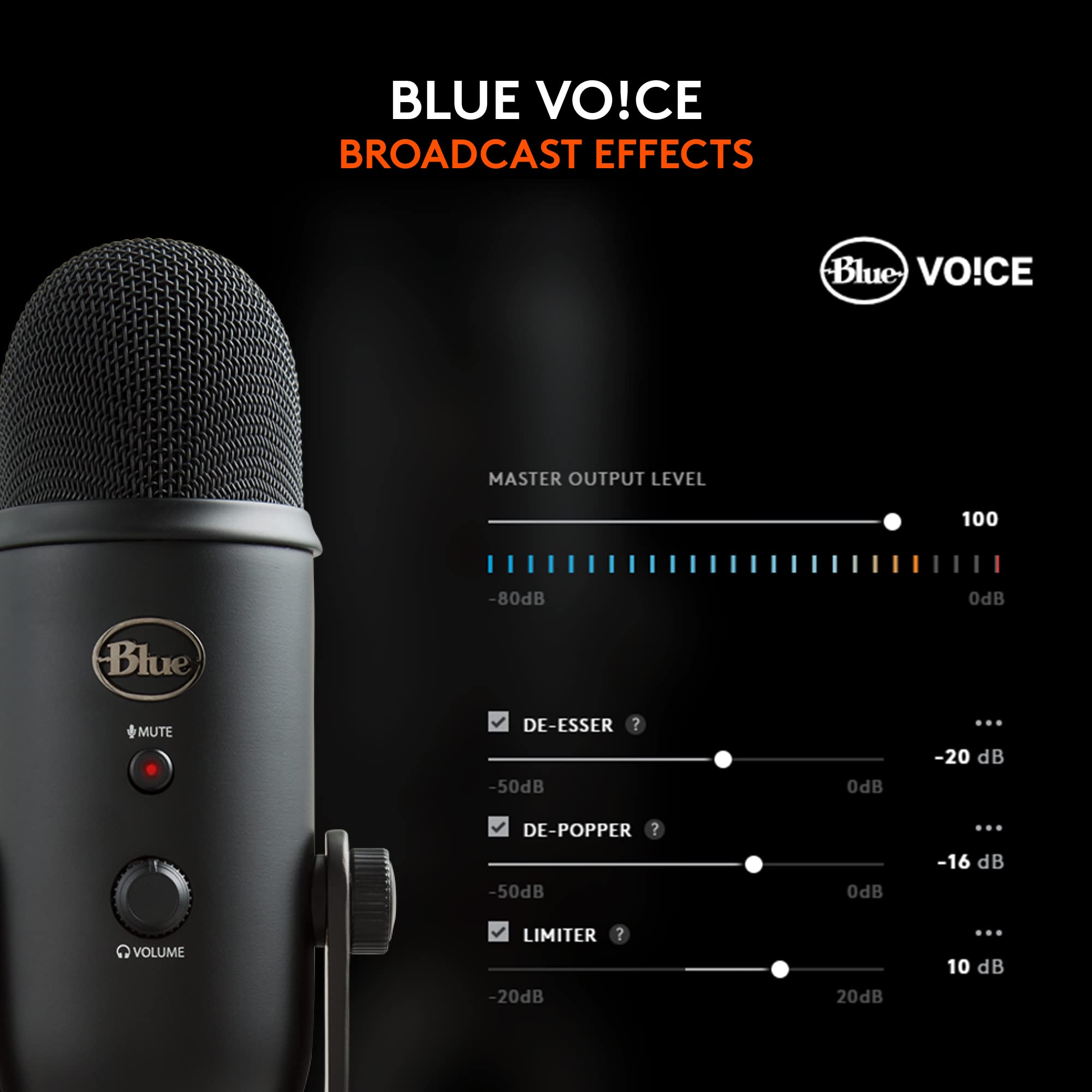
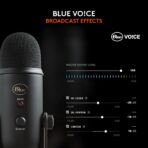
Blue VO!CE Broadcast Vocal Effects
Craft the perfect broadcast vocal sound and entertain your audience with enhanced effects, advanced modulation and HD audio samples.
-

-


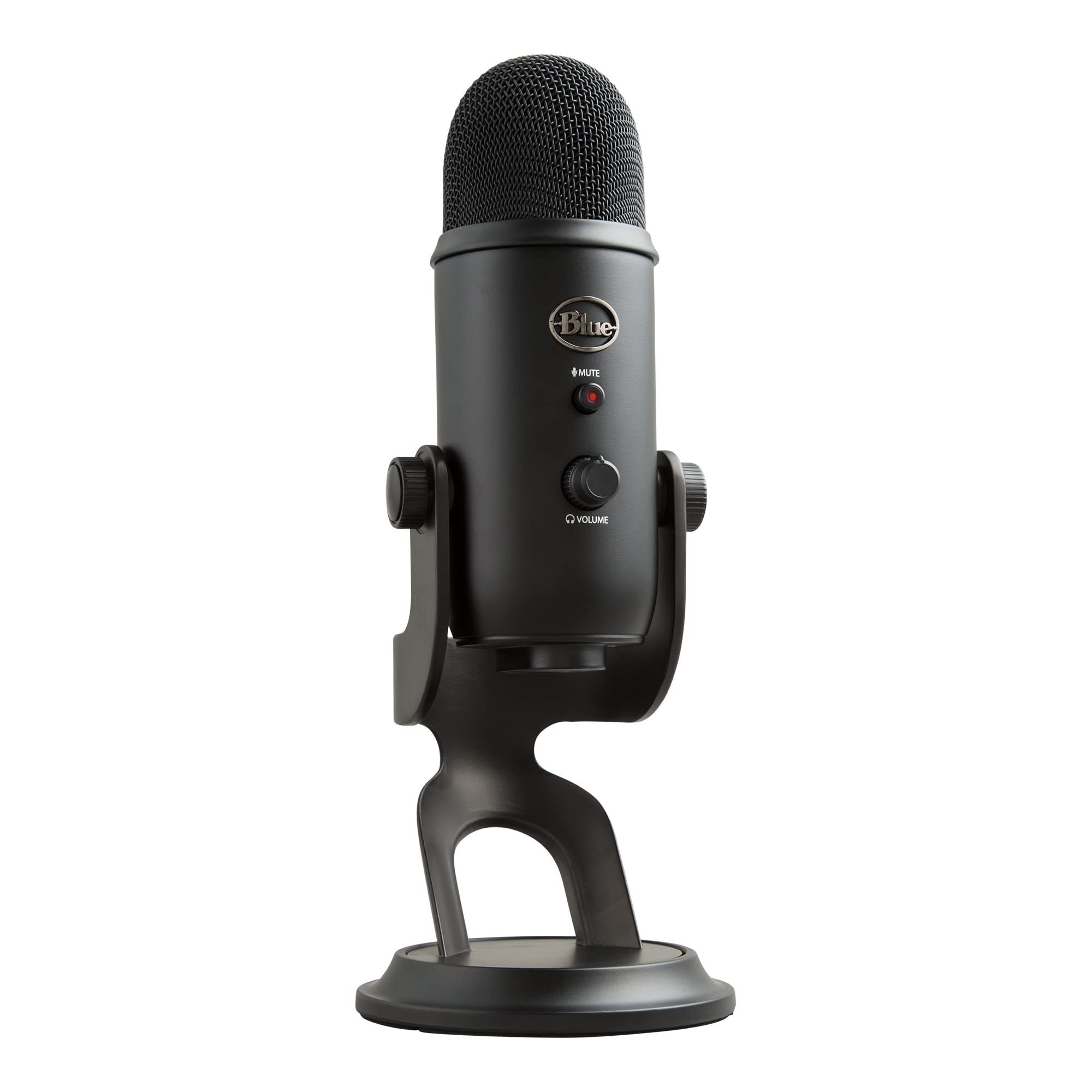
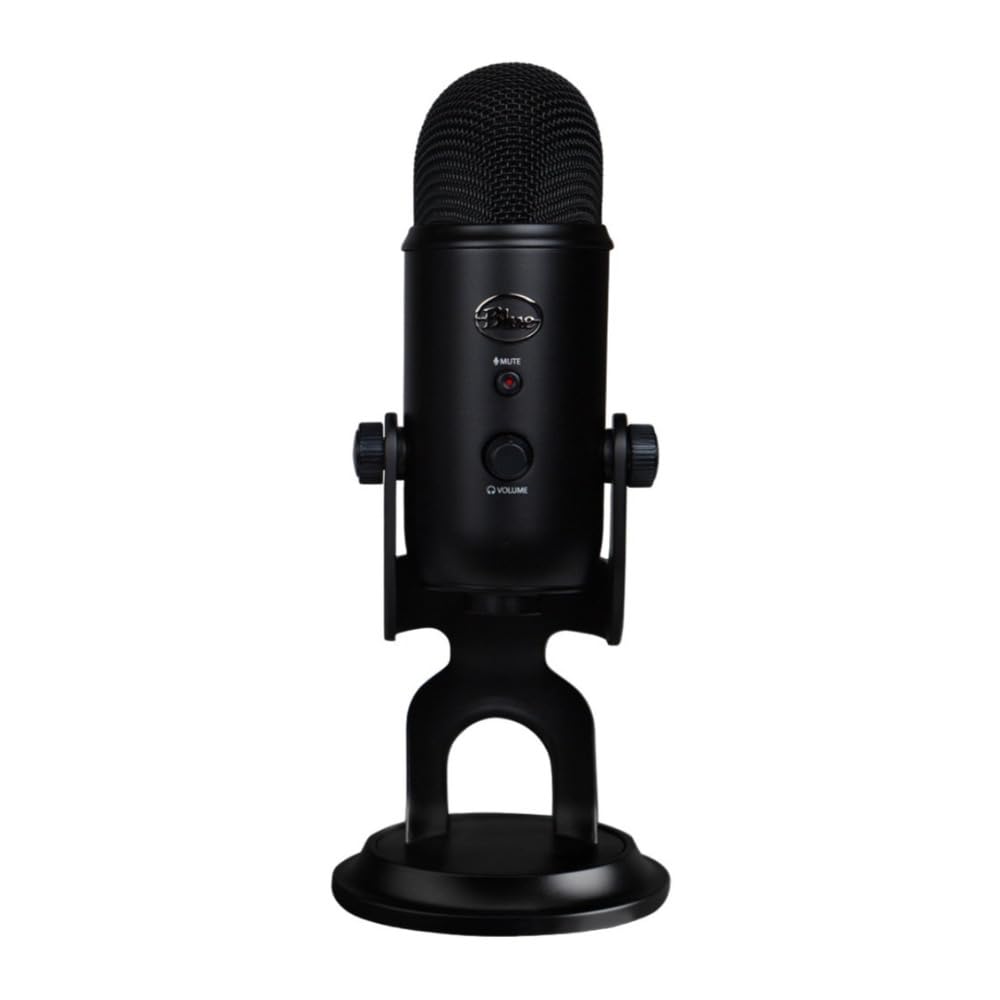
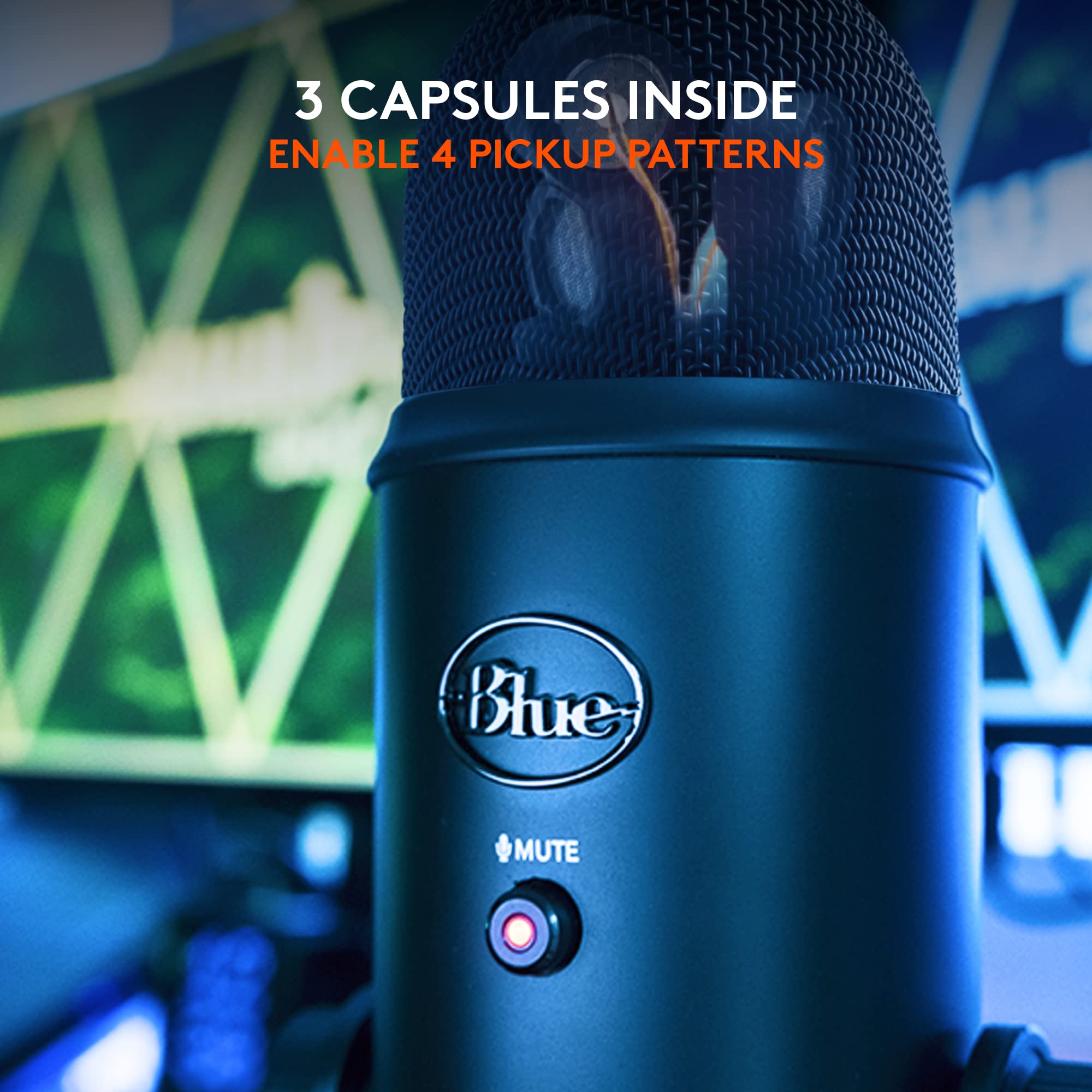
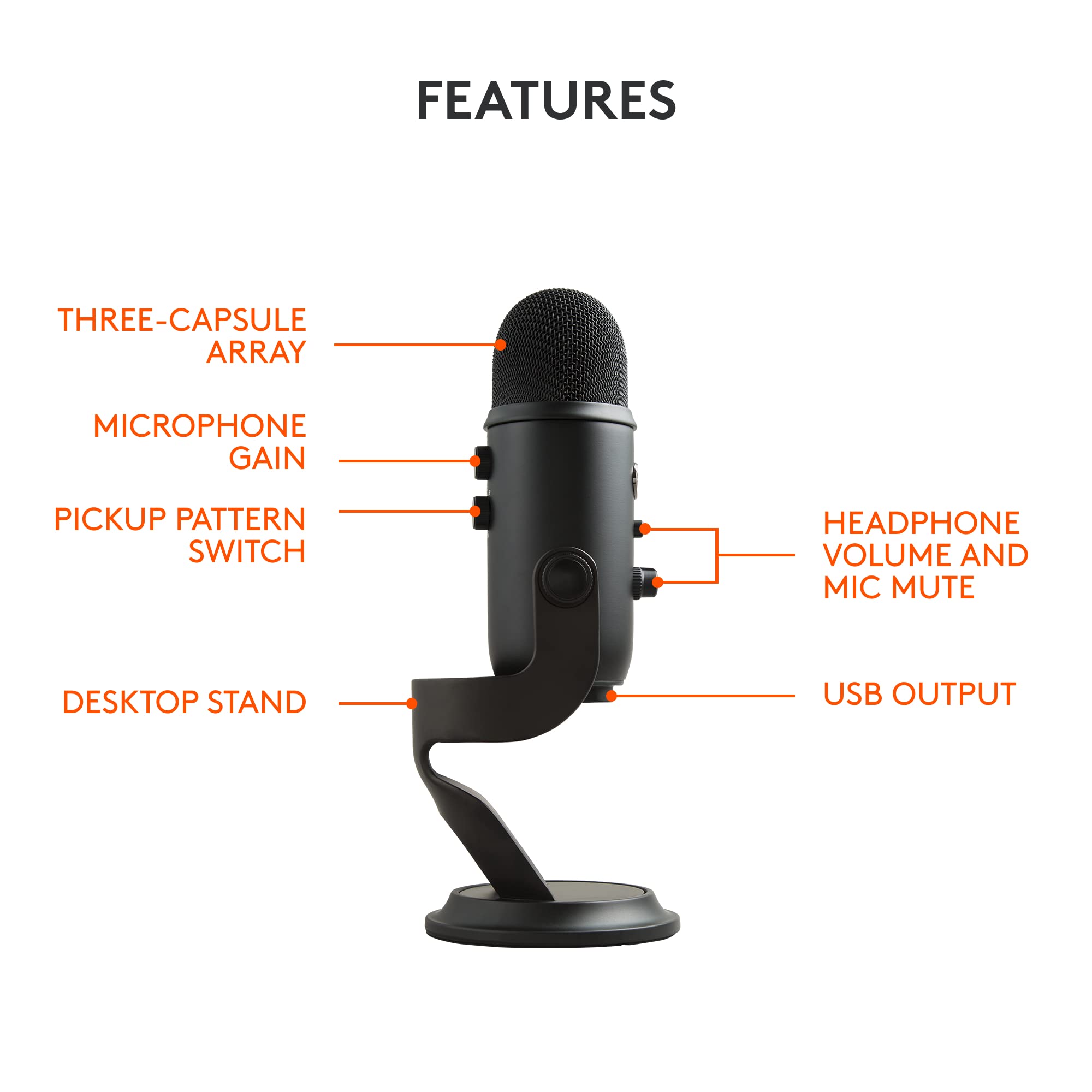
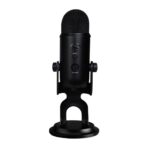
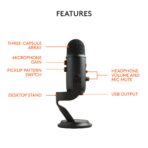
Three-Capsule Array
Delivers Blue’s legendary broadcast sound
” data-position=”triggerHorizontal” style=”display: block; border: 2px solid rgb(255, 255, 255); background: rgba(145, 145, 145, 0.4); width: 35px; height: 35px; border-radius: 50%; outline-style: none; cursor: pointer;”>
Headphone Volume and Mic Mute
Control the volume of sound in your headphones and touch the mute button for those times mid-stream when you need to cough or sneeze
” data-position=”triggerHorizontal” style=”display: block; border: 2px solid rgb(255, 255, 255); background: rgba(145, 145, 145, 0.4); width: 35px; height: 35px; border-radius: 50%; outline-style: none; cursor: pointer;”>
USB Output
Connect directly to your computer via the included USB cable
” data-position=”triggerHorizontal” style=”display: block; border: 2px solid rgb(255, 255, 255); background: rgba(145, 145, 145, 0.4); width: 35px; height: 35px; border-radius: 50%; outline-style: none; cursor: pointer;”>
Microphone Gain
Control the sensitivity of the mic capsules.
” data-position=”triggerHorizontal” style=”display: block; border: 2px solid rgb(255, 255, 255); background: rgba(145, 145, 145, 0.4); width: 35px; height: 35px; border-radius: 50%; outline-style: none; cursor: pointer;”>
Pickup Pattern Switch
Change between cardioid, omni, bidirectional and stereo pickup patterns
” data-position=”triggerHorizontal” style=”display: block; border: 2px solid rgb(255, 255, 255); background: rgba(145, 145, 145, 0.4); width: 35px; height: 35px; border-radius: 50%; outline-style: none; cursor: pointer;”>
Adjustable Desktop Stand
For perfect microphone positioning on the desktop
” data-position=”triggerHorizontal” style=”display: block; border: 2px solid rgb(255, 255, 255); background: rgba(145, 145, 145, 0.4); width: 35px; height: 35px; border-radius: 50%; outline-style: none; cursor: pointer;”>
-

-

-

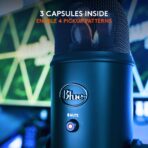
Four Patterns for Ultimate Versatility
Four distinct pickup patterns allow you to record and stream in ways that would normally require multiple microphones.
-

-


Additional information
| Weight | 1.592 kg |
|---|---|
| Dimensions | 12.497 × 11.989 × 29.489 cm |
| polar_pattern |
Multipattern |
| frequency_response |
20 KHz |
| item_package_quantity |
1 |
| unspsc_code |
43211719 |
| brand |
Logitech G |
| hardware_platform |
PC |
| number_of_channels |
2 |
| externally_assigned_product_identifier_0 |
836213002070 upc |
| externally_assigned_product_identifier_1 |
663185958926 upc |
| externally_assigned_product_identifier_2 |
0663185958926 ean |
| externally_assigned_product_identifier_3 |
0836213002070 ean |
| package_level |
unit |
| recommended_uses_for_product_0 |
Gaming |
| recommended_uses_for_product_1 |
Streaming |
| Size |
Mic Only |
| part_number |
988-000229 |
| style |
single |
| number_of_lithium_ion_cells |
1 |
| pattern |
Microphone |
| battery_cell_composition_value |
lithium_ion |
| battery_weight_unit |
grams |
| battery_weight_value |
1 |
| manufacturer |
Logitech for Creators |
| number_of_lithium_metal_cells |
1 |
| lithium_battery_energy_content_unit |
watt_hours |
| lithium_battery_energy_content_value |
4.5 |
| lithium_battery_weight_unit |
grams |
| lithium_battery_weight_value |
0.8 |
| lithium_battery_packaging_value |
batteries_contained_in_equipment |
| model_number |
988-000100 |
| supplier_declared_dg_hz_regulation |
not_applicable |
| item_name |
Logitech for Creators Blue Yeti USB Microphone for Recording, Streaming, Gaming, Podcasting on PC and Mac, Condenser Mic for Laptop or Computer with Blue VO!CE Effects, Adjustable Stand – Black |
| batteries_required |
No |
| includes_rechargable_battery |
No |
| product_site_launch_date |
2014-11-18T11:47:38.862Z |
| batteries_included |
No |
| connectivity_technology |
USB |
| included_components |
– Yeti USB microphone with desktop stand – USB cable – 2-year manufacturer’s guarantee |
| impedance |
16 ohm |
| skip_offer |
No |
| model_name |
Blue Yeti USB Mic |
| connector_type |
USB |
| audio_sensitivity |
120 decibels |
| number_of_items |
1 |
| compliance_media_source_location | |
| compliance_media_content_type |
user_guide |
| compliance_media_content_language |
en_GB |
| Color |
Black |
| variation_theme_name |
COLOR |
| configuration |
Mic Only |
| signal_to_noise_ratio |
100 |
| item_package_weight |
1.76 kilograms |
| microphone_form_factor |
Boundary |
| customer_package_type |
Standard Packaging |
| number_of_packs |
1 |
| special_feature |
Blue VO!CE Effects, Adjustable Base |
| uvp_list_price_currency |
GBP |
| power_source_type |
Corded Electric |
| street_date |
2019-09-02T00:00:01Z |
| compatible_devices_0 |
PC (Windows 10 or later) |
| compatible_devices_1 |
Mac (macOS® 10.14 or later) |
| material |
Stainless Steel |
| unit_count |
1 count |
| hand_orientation |
0 |
Customer Reviews
Related Products

Reviews
There are no reviews yet.