







-

-

Voice Equalization
Auto-levels loud and soft voices at varying distances from the camera.
-


PC-based
Connect MeetUp 2 to an in-room PC and a Logitech Tap Controller to build up the PC-based deployment.

BYOD
Connect MeetUp 2 to a laptop via a traditional BYOD connection or unlock a single-cable BYOD connection via the optional Active USB Cable.
-

-

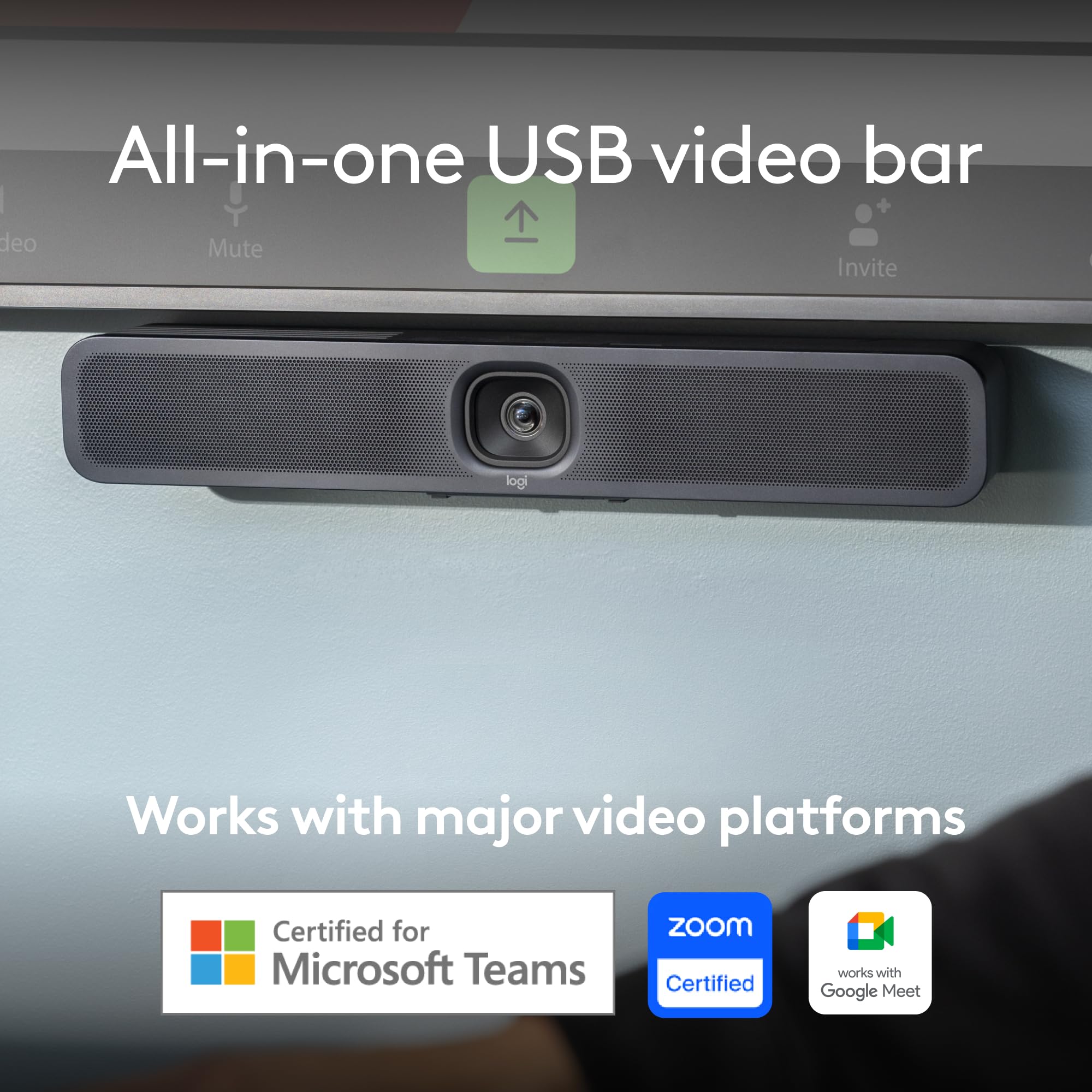
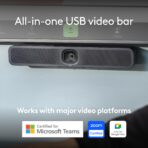
Works with Microsoft Teams
MeetUp 2 works with leading video platforms like Microsoft Teams on Windows.
-


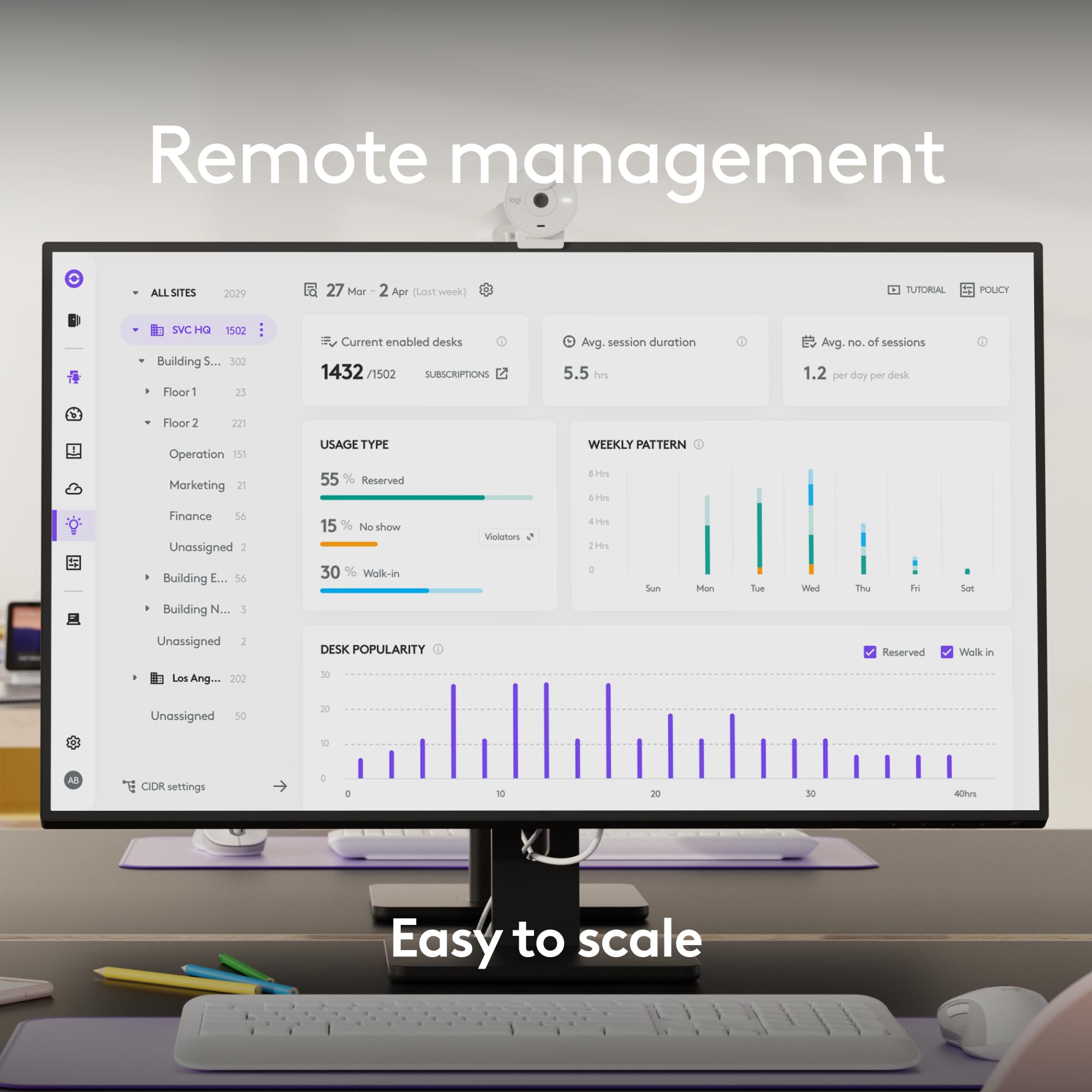
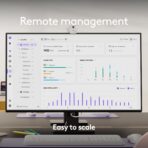
Manage remotely
Easily manage your MeetUp 2 and other Logitech video collaboration devices with Logitech Sync. Also compatible with platform management portals like Teams Admin Center, Zoom Device Management, and more.

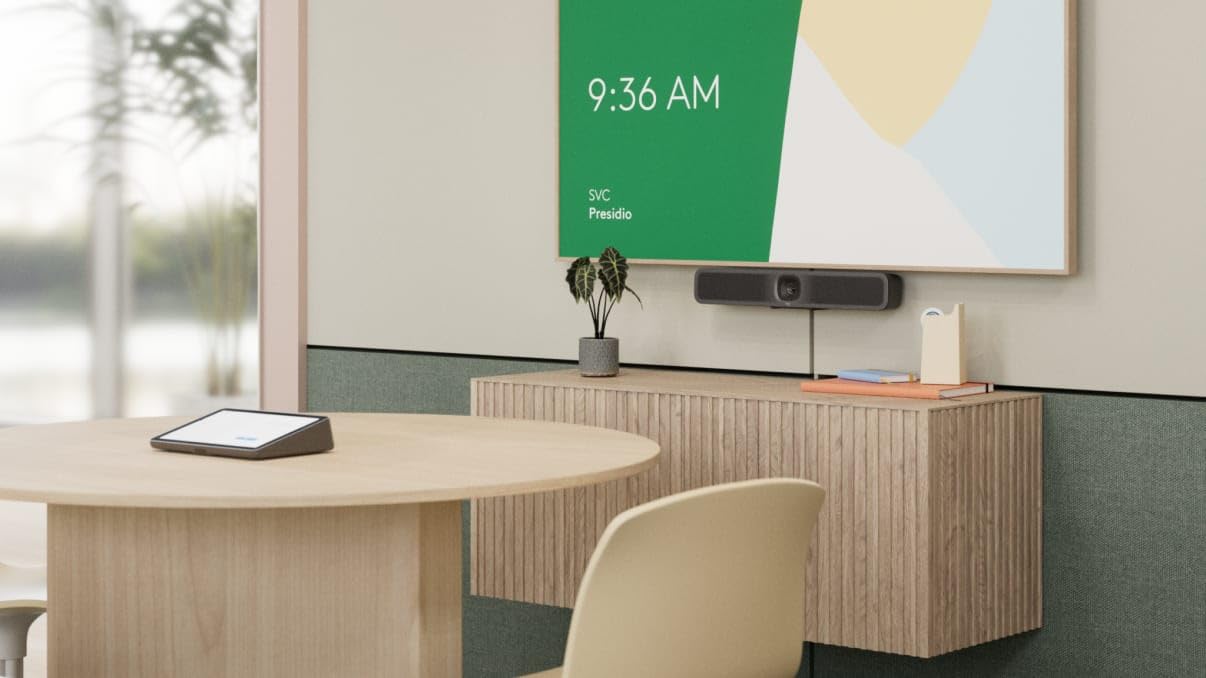
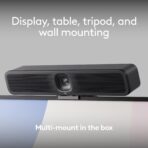
Mounting on the wall
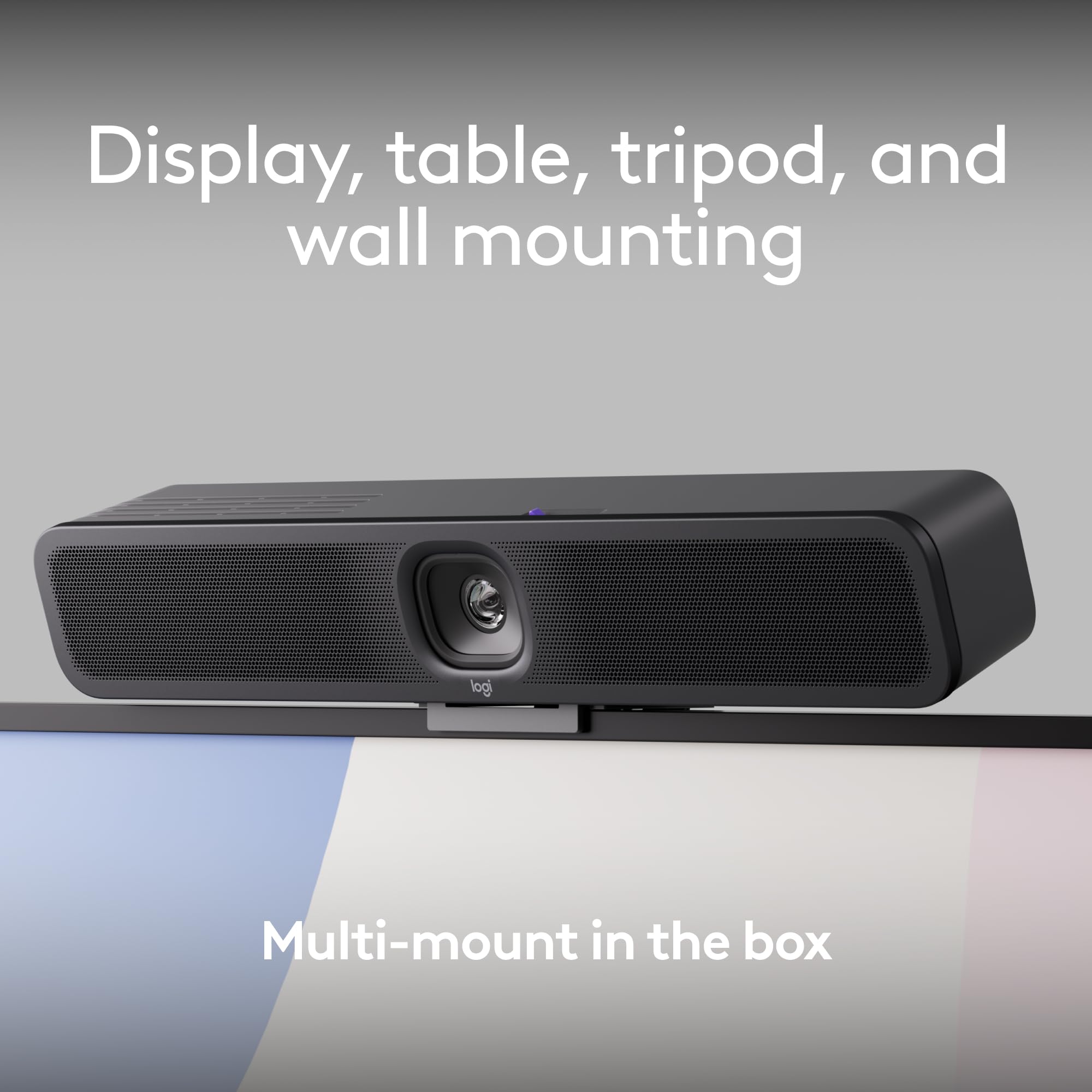
Mount MeetUp 2 on the wall below or above the display.

Mounting on the table
Mount MeetUp 2 on top of a table, credenza, or shelf.

Mounting above the display
Mount MeetUp 2 above the display.

Multi-mount in box
Multi-mount comes in the box and enables an easy and flexible installation.
FEATURES
| Brand | Logitech |
| Photo sensor technology | CCD |
| Video capture resolution | 4K |
| Maximum focal length | 114 Millimeters |
| Maximum aperture | 2.8 Millimetres |
| Flash memory type | Internal flash memory |
| Video capture format | AVI |
| Supported audio format | PCM |
| Screen size | 5 Inches |
| Connectivity technology | USB |
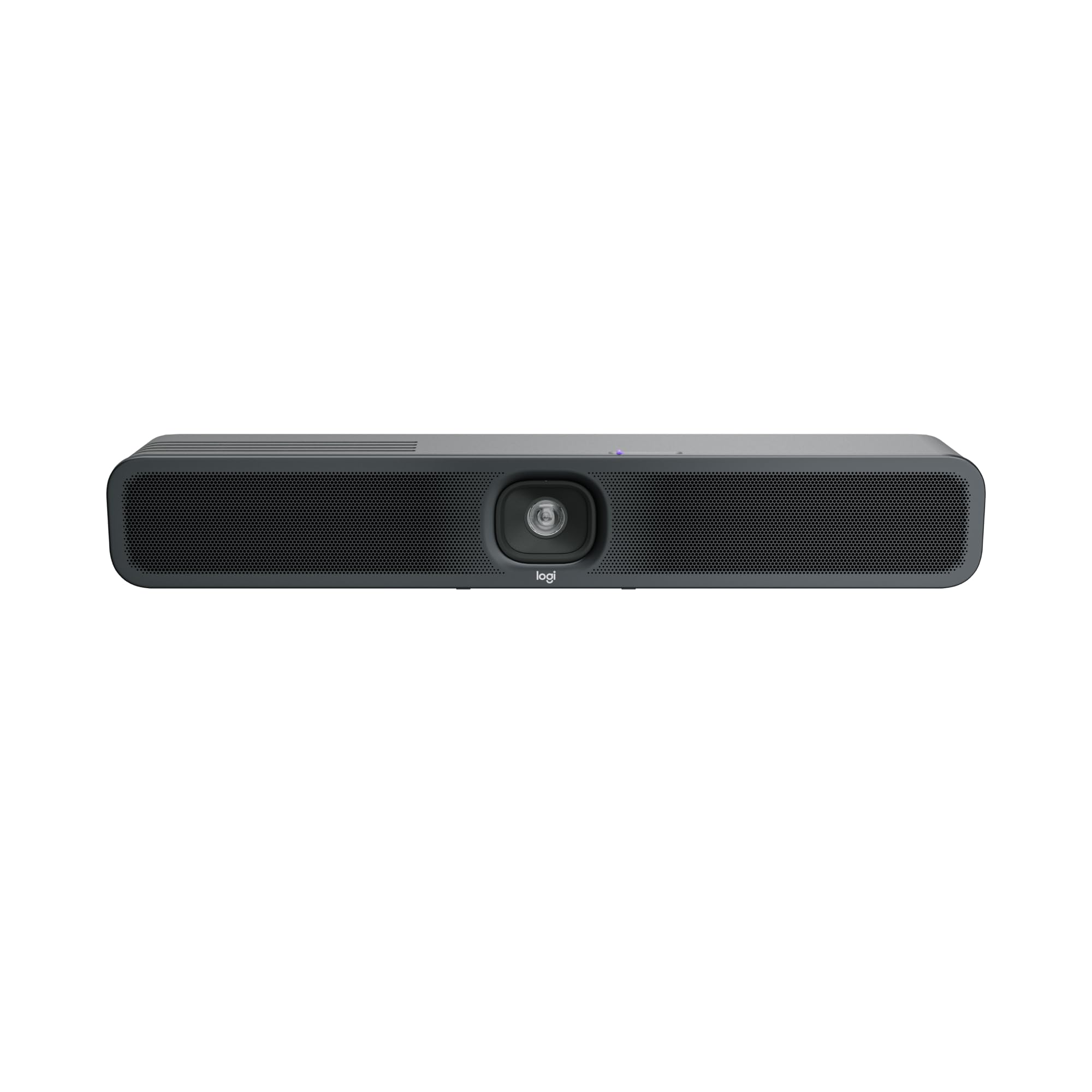
- Simplified Flexibility: Deploy the MeetUp 2 all-in-one USB conference room camera with an in-room computer, or connect it to a laptop in bring your own device (BYOD) mode
- Works With Leading Video Platforms: Effortlessly connect this video conference camera to platforms like Microsoft Teams, Zoom Rooms, and Google Meet for a simple and seamless user experience (1)
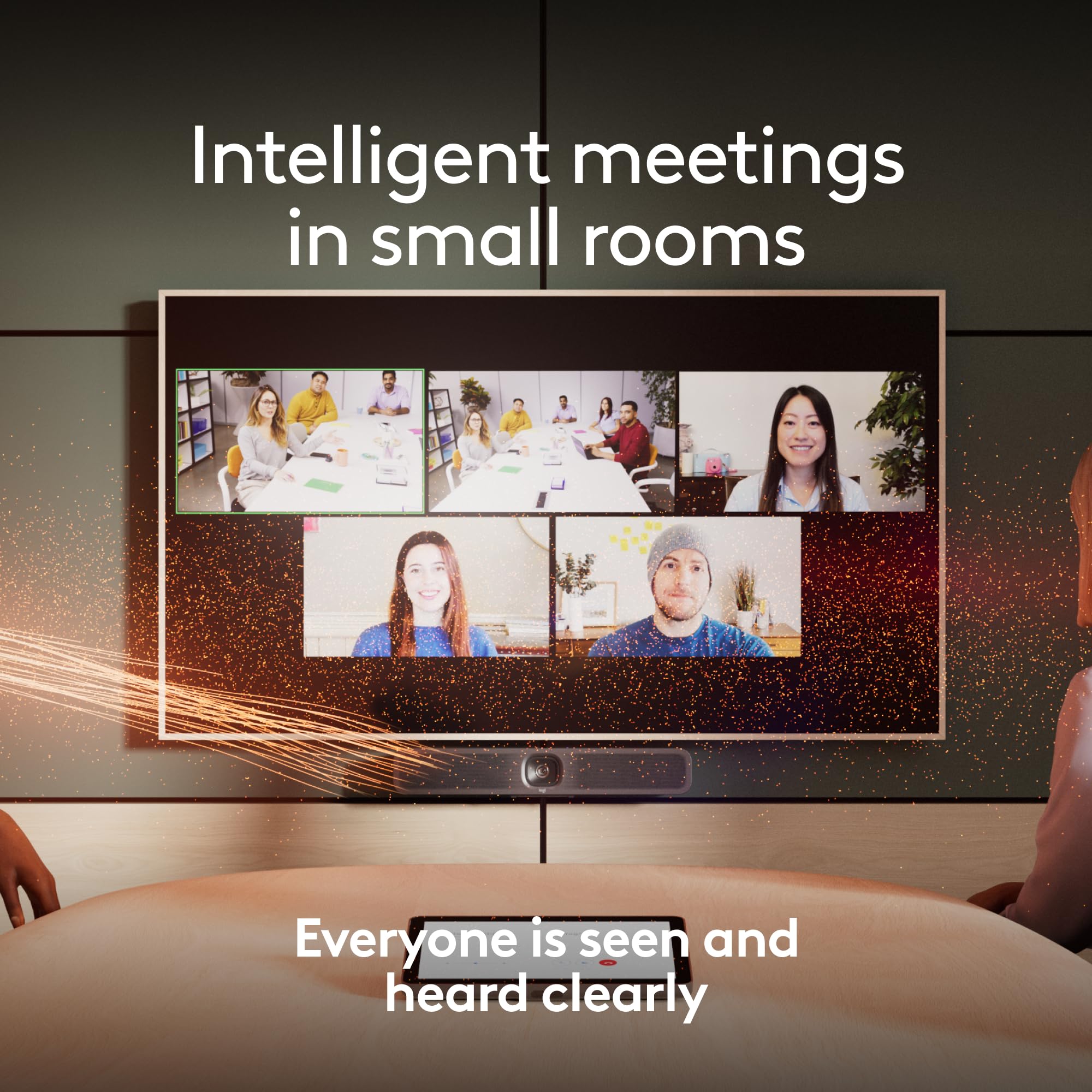
- AI Video and Audio: With built-in video and audio intelligence, the MeetUp 2 conference camera offers advanced video conferencing with auto focus and framing, AI noise suppression, and more (2)
- Ideal for Small Spaces: This compact video conference camera is easy to set up in small meeting rooms thanks to multiple mounting options, a built-in privacy shutter, and clean cabling
- Remote Management: Manage your Logitech video collaboration devices using Logitech Sync; monitor room health, deploy updates, and modify settings all from a single cloud-based platform
- (1) Visit logitech.com for the latest information on certifications and compatibility
- (2) AI-based features improve performance, add capabilities, and deepen integrations through regular updates via Logitech Sync
- (3) Requires an active USB-C 3.1 Gen 2 cable with DisplayPort Alternative Mode (DP AltMode) support. Logitech Active USB Cable p/n 952-0000195 recommended.



Reviews
There are no reviews yet.